

Design
API Sandbox (No Code API)
Designing an end-to-end developer experience for building, testing, and deploying APIs faster.
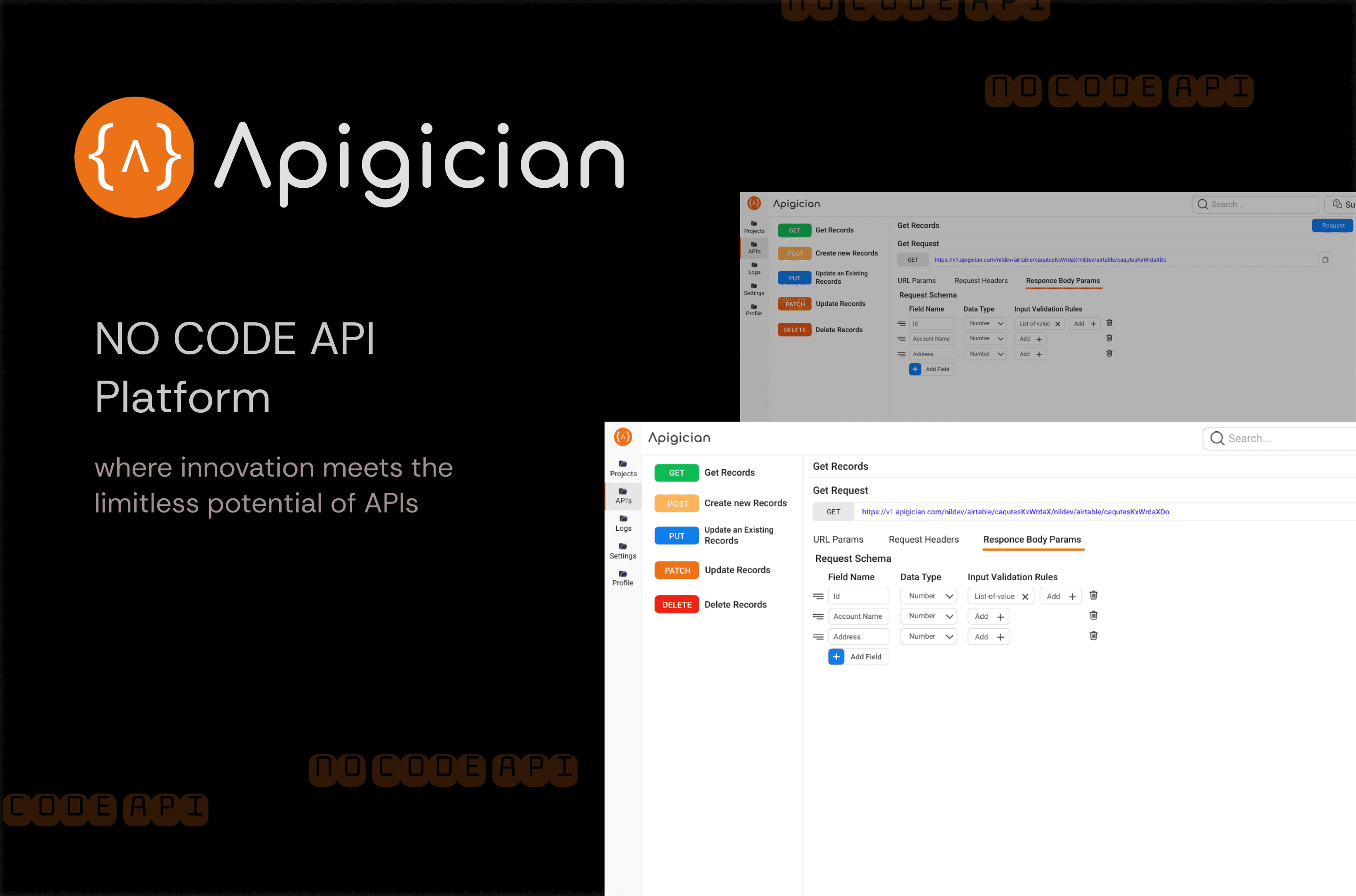
Overview
Designing an end-to-end developer experience for building, testing, and deploying APIs faster.
Goal:
Create an API Sandbox platform that allows API developers to import API definitions, configure business logic, validate requests/responses,
and deploy sandbox environments — all with minimal coding effort.
Problem Space
Context:
API developers need to rapidly build, test, and validate microservices before production deployment. Existing tools like Postman or WSO2 solve individual pieces, but no single platform combines UI-driven configuration, fake data generation, and proxy/service code generation in one flow.
Challenges:
Developers were switching between 4–5 different tools to achieve one end-to-end workflow.
There was no simple UI to configure validation rules and business logic without deep backend knowledge.
Managing test data and deployment required manual effort and scripting.
Opportunity:
Design a unified API Sandbox platform to streamline this workflow, reducing context switching, human error, and time to deploy.
Research & Insights
Competitive Analysis: Reviewed platforms like Postman, Moesif, and Mockaroo to identify feature gaps.
Stakeholder Workshops: Learned that non-UI-based workflows frustrated junior developers. Senior developers wanted automation over UI wizards.
Architecture Review: Understood technical stack — Spring Boot microservices + Kong API Gateway + Git integrations — to ensure the UX aligned with backend capabilities.
Key insight:
“Developers don’t want another Postman clone. They need an opinionated platform that guides them, but still feels flexible.”
Design Goals
Single unified flow — from Swagger import to deployment.
Rule configuration made visual — no need to manually edit YAML.
Validation + fake data generation — for both request and response.
Business logic formula builder — to allow custom transformations without code.
Seamless GitOps workflow — automatic code generation + check-in.
UX Process
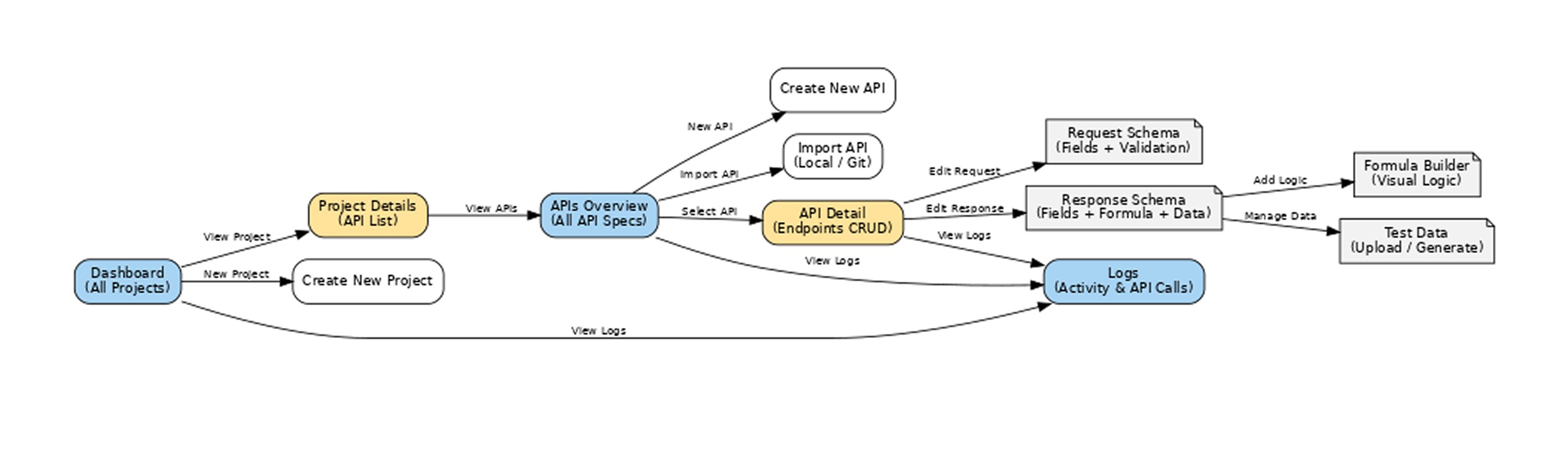
Information Architecture
Global Navigation: Users • Projects • APIs • Activity • Help
Dashboard Layout: Similar to NoCodeAPI → Cards for APIs, Tabs for Logs, One-click Access to Configs
Interaction Flow (NoCodeAPI-style)
Login to Dashboard → See all APIs as visual cards.
Import Swagger → Drag-drop, auto-parse schema.
Configure Business Logic → Formula builder UI (drag/drop rules).
Request/Response Validation → Tabular form like NoCodeAPI tables.
Generate Proxy/Service Code → Git commit + auto-build.
Deploy Sandbox + Monitor Logs → Human-readable logs like NoCodeAPI log pages.
Information Architecture
Low fidelity wireframes
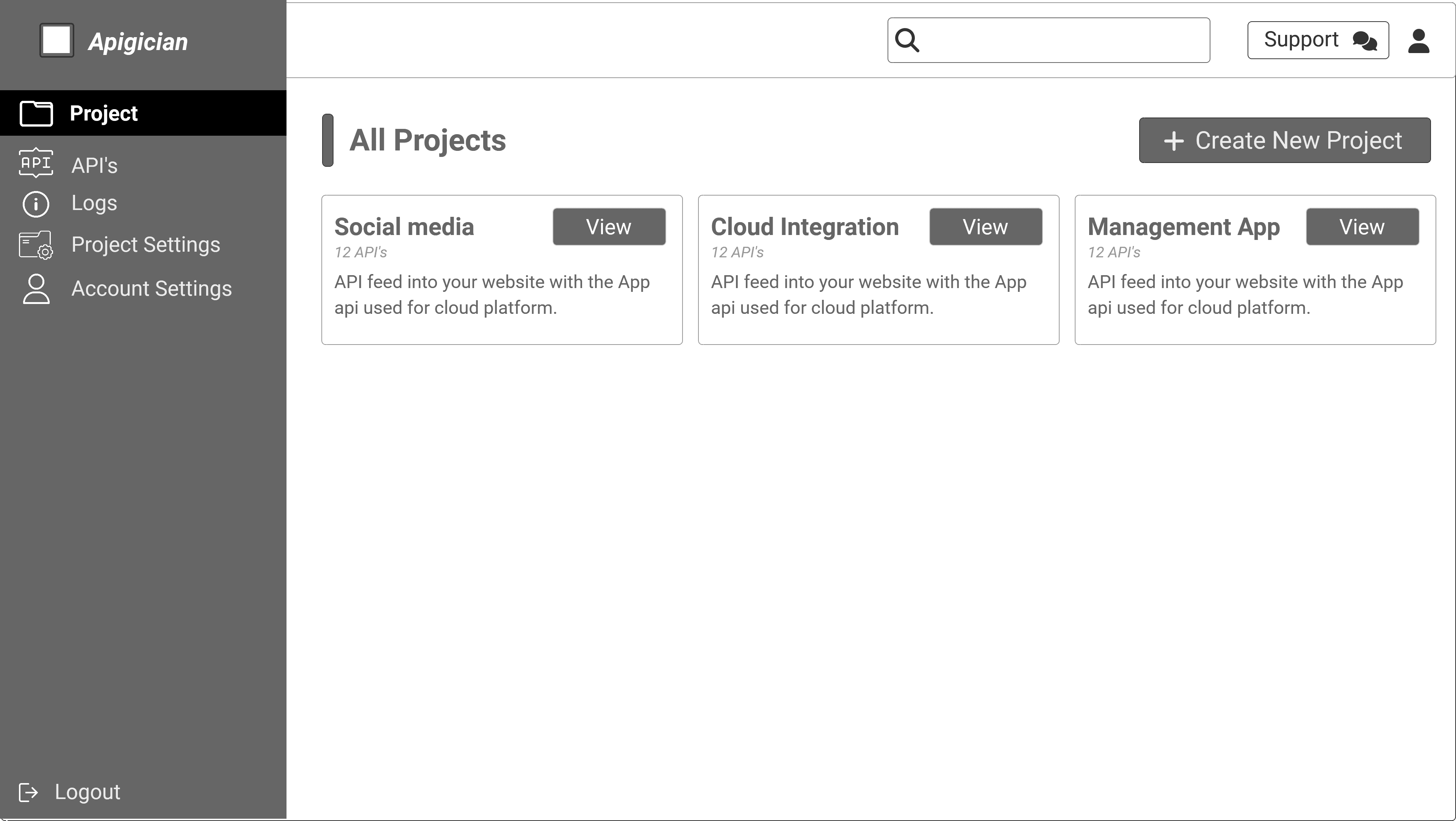
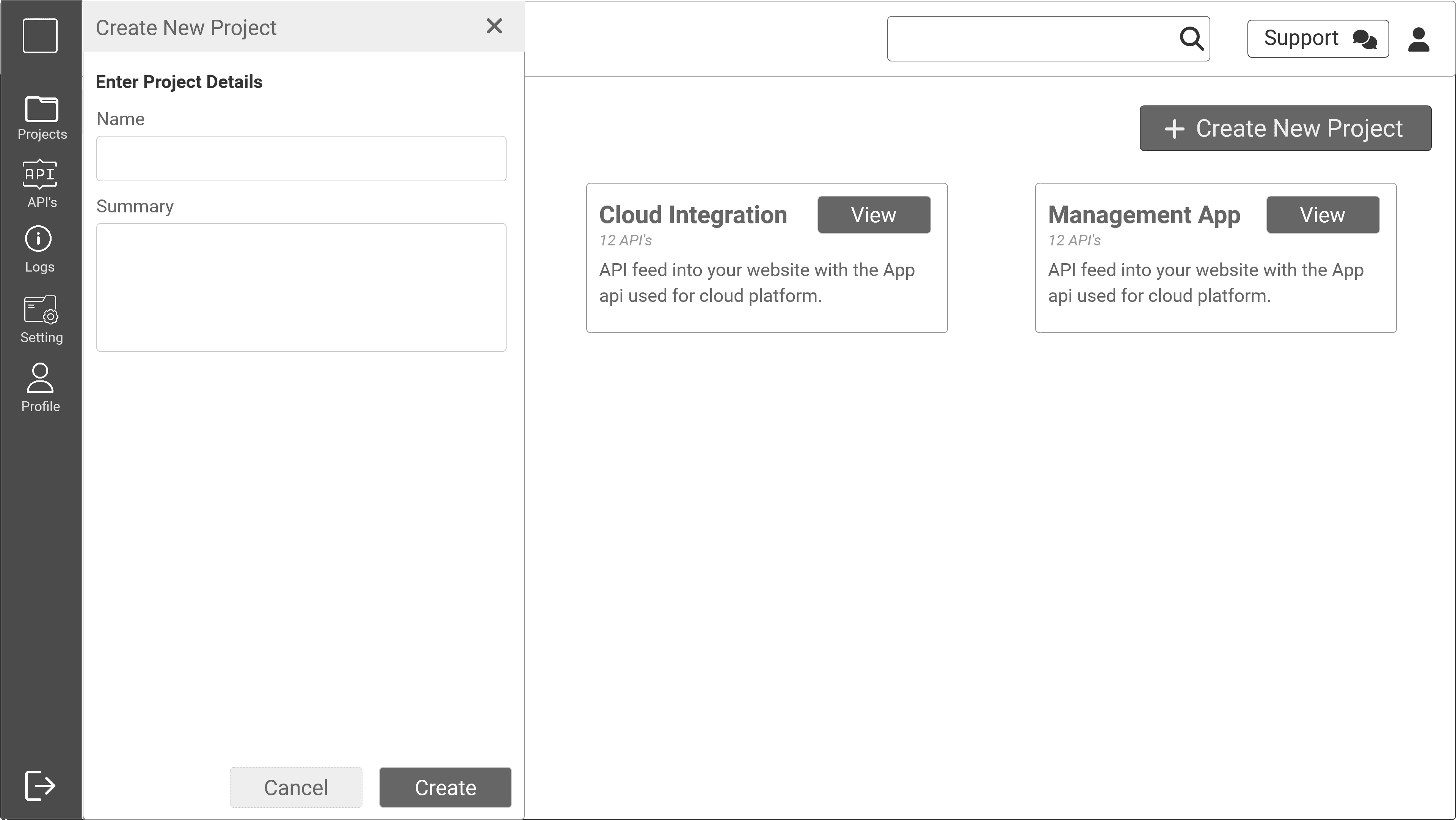
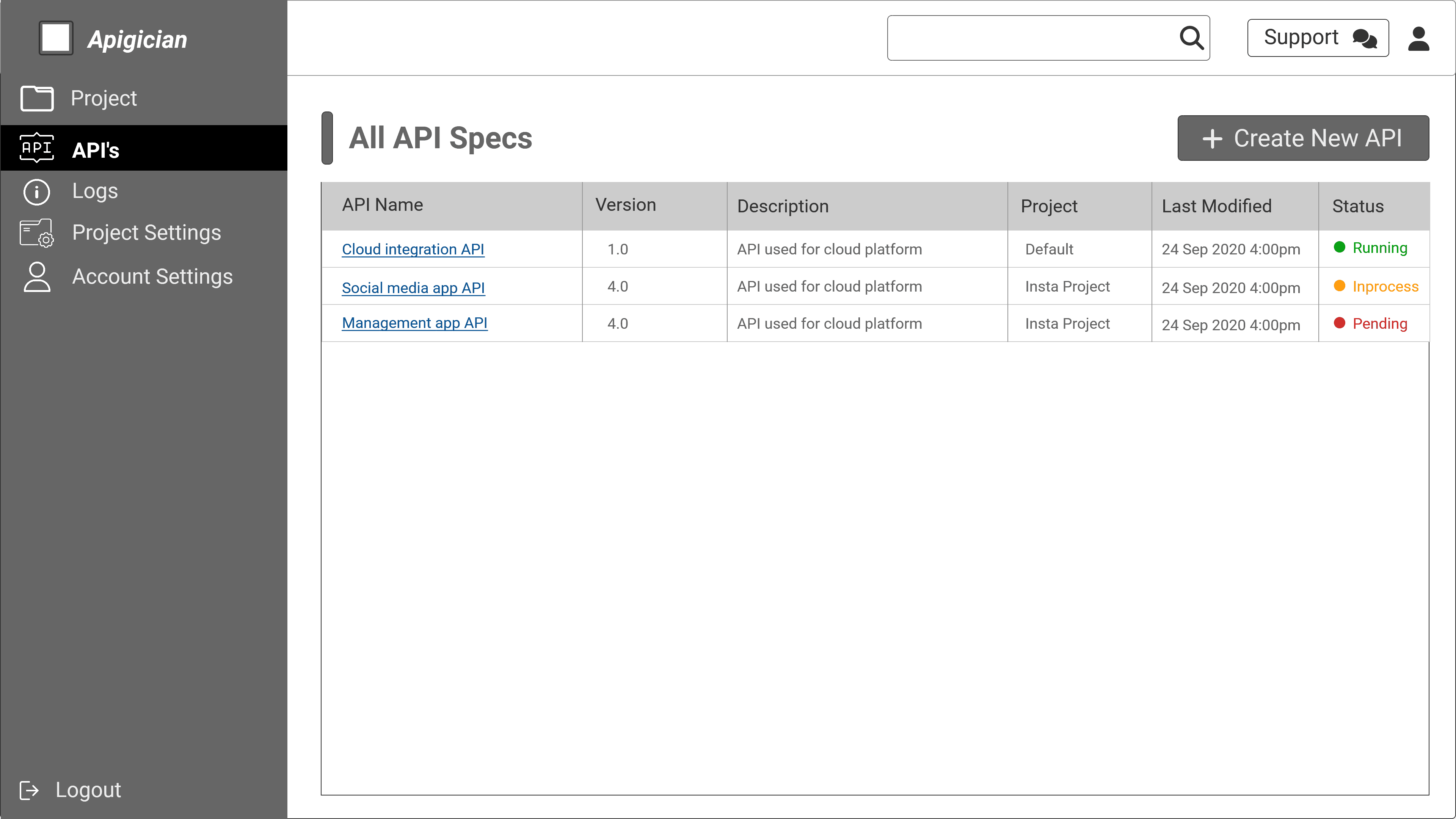
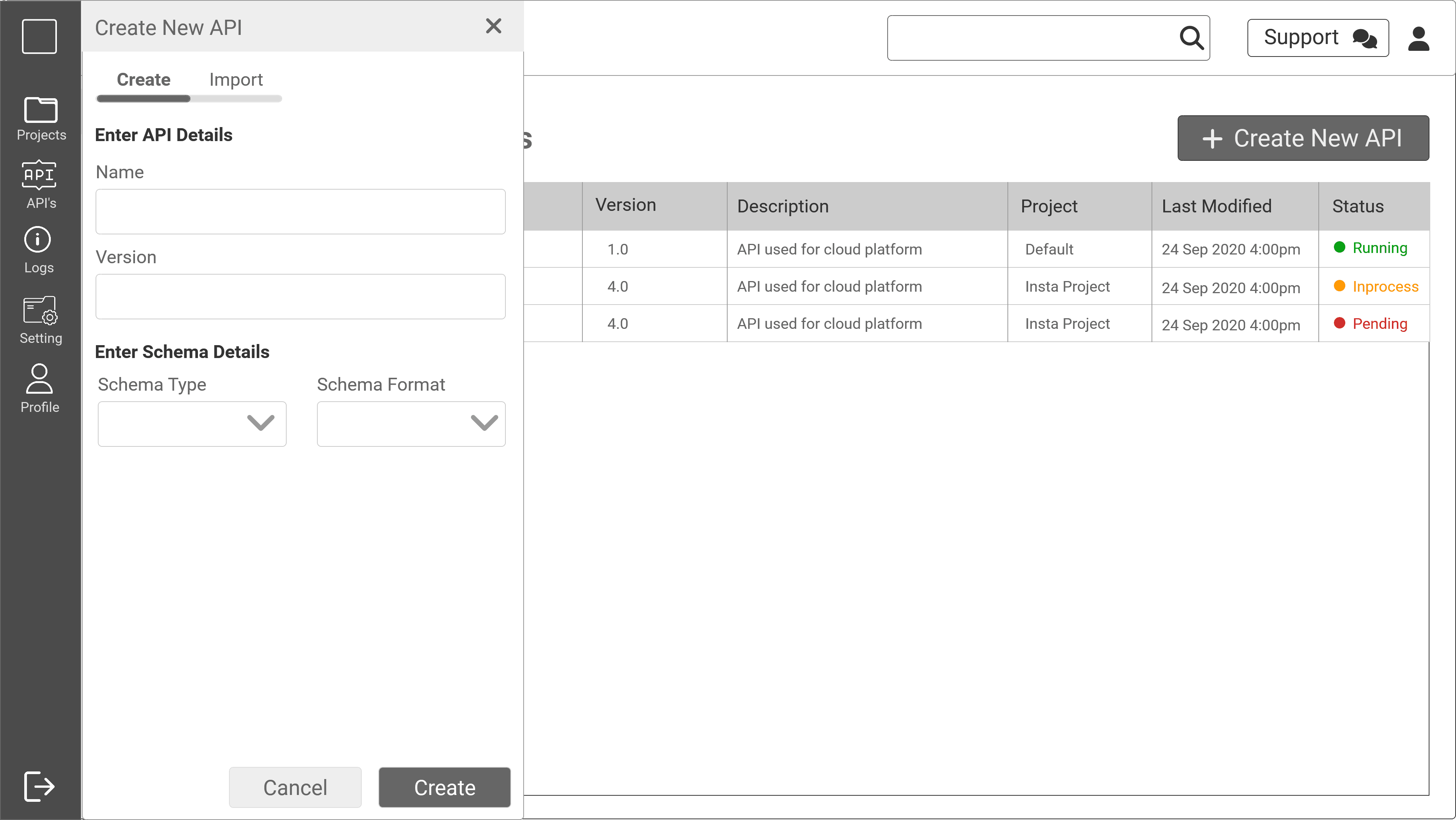
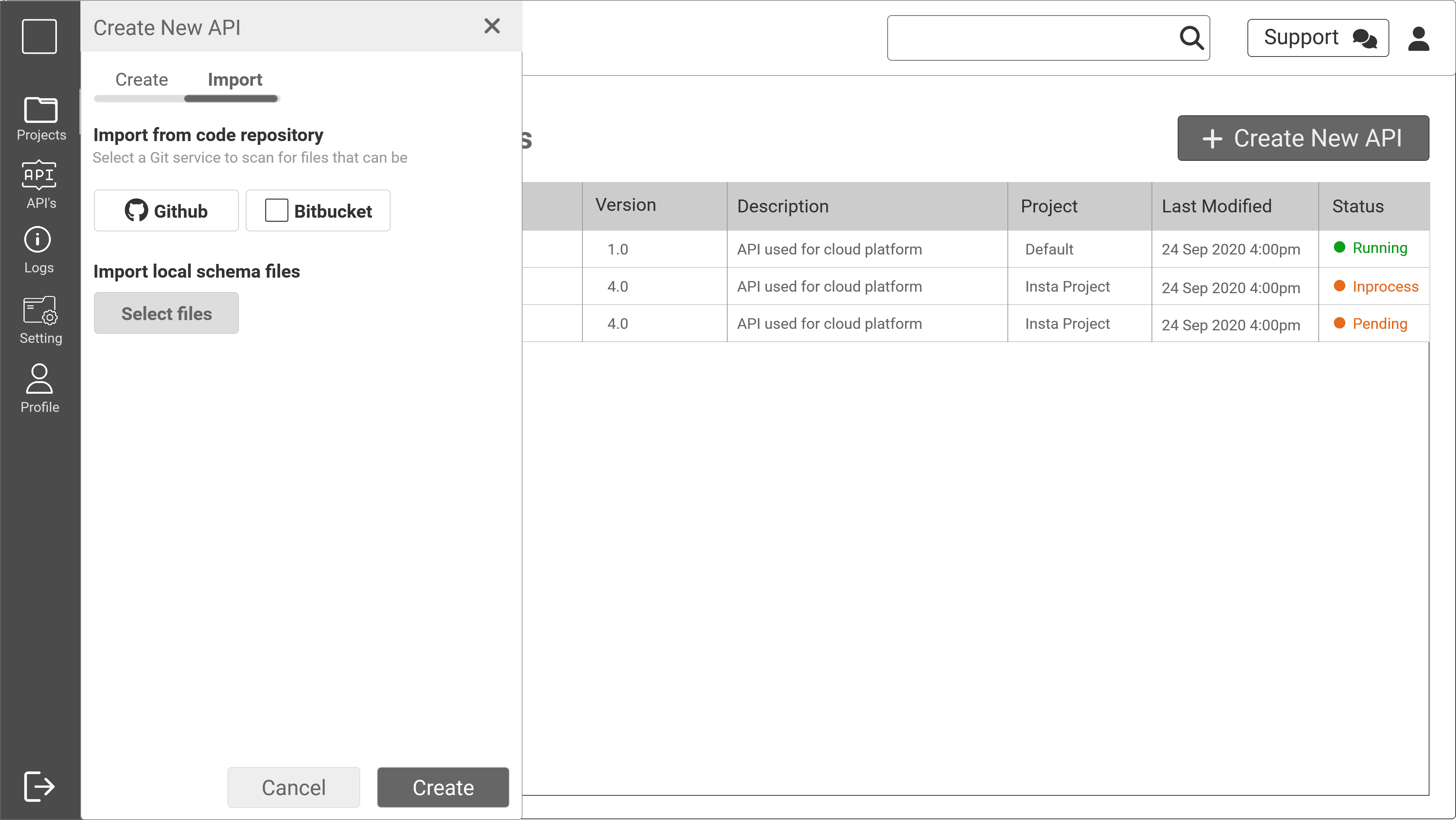
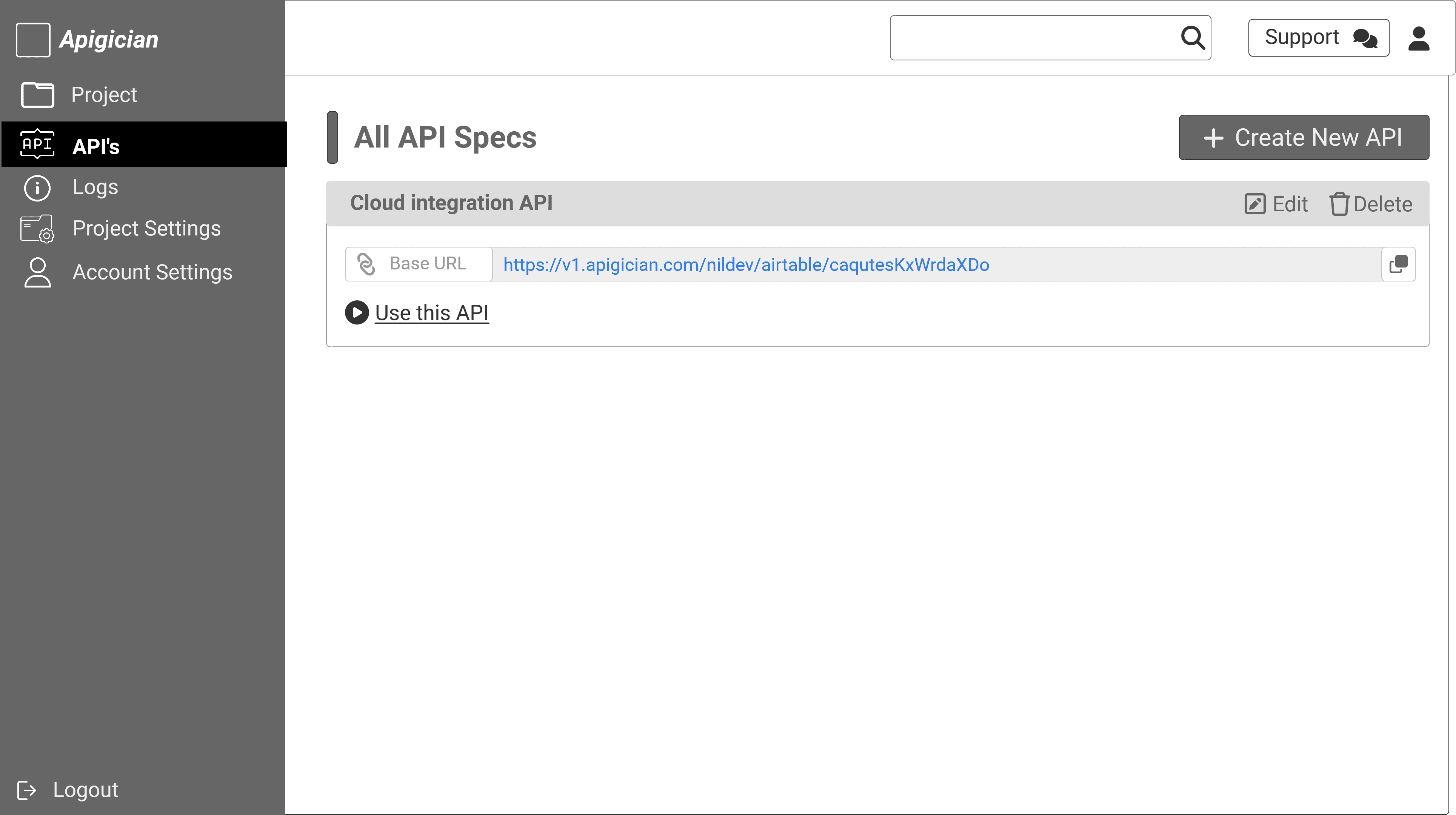
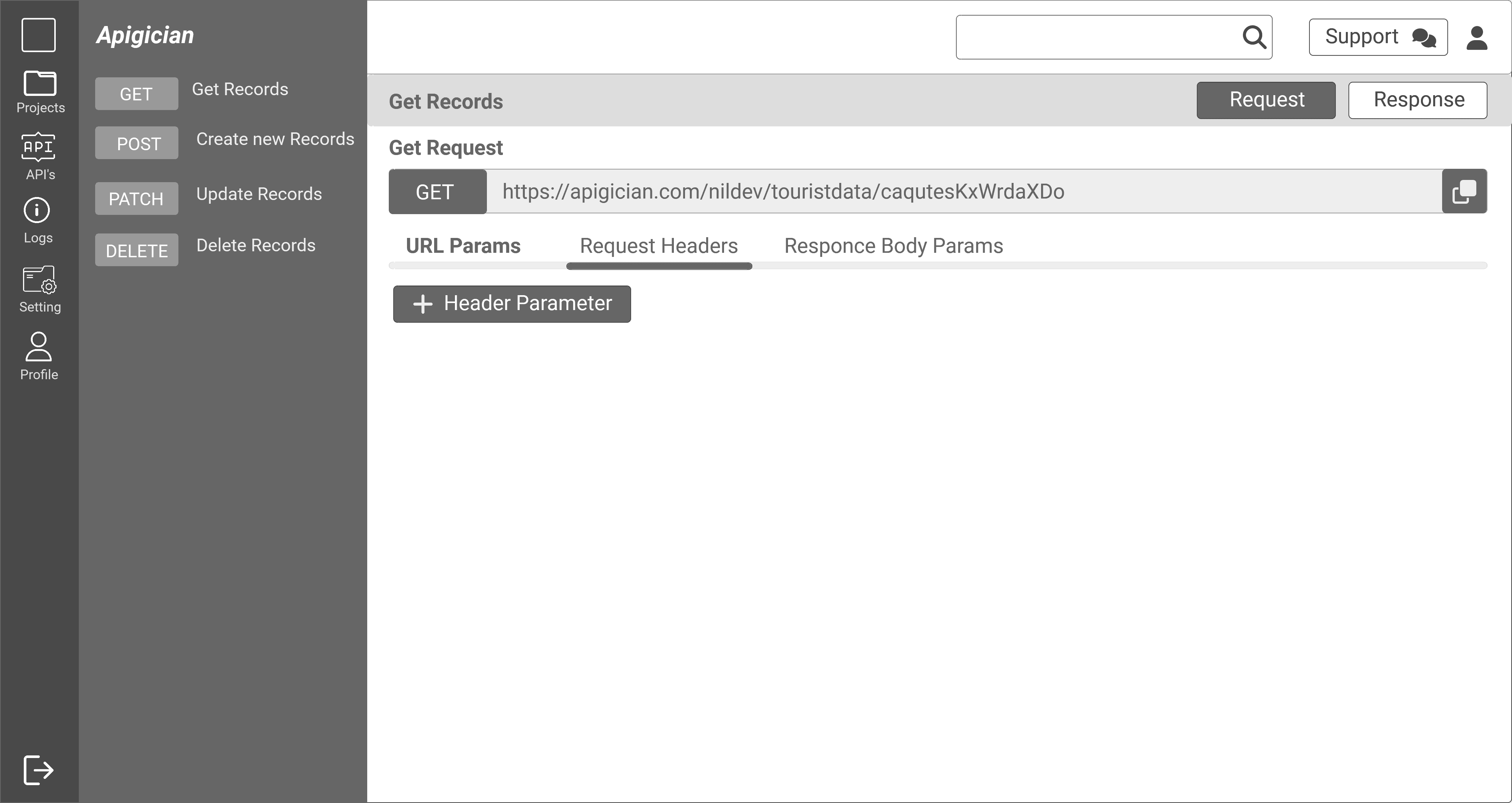
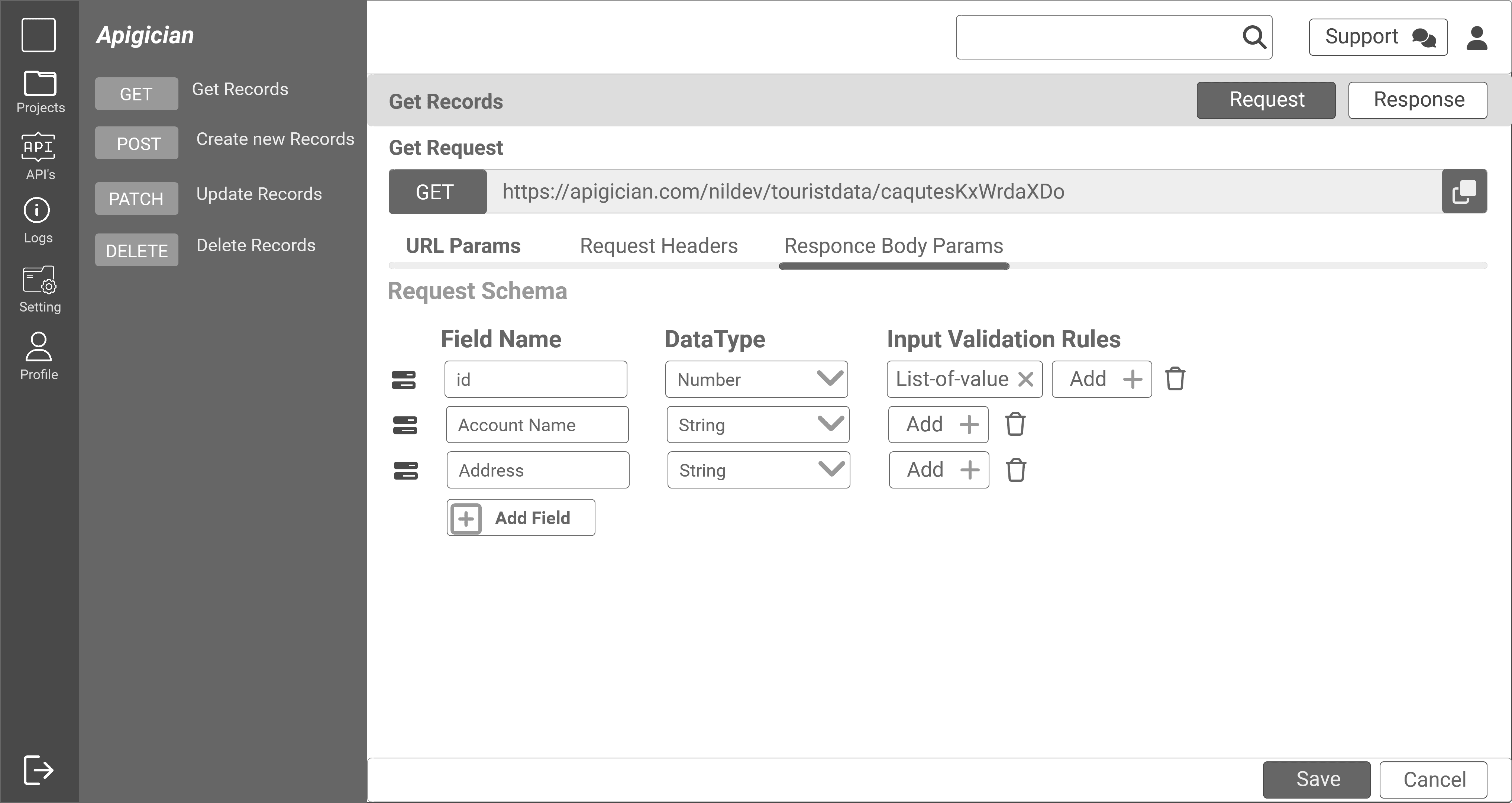
High fidelity wireframes

Outcome & Impact
Reduced API sandbox setup time by ~60%.
Minimized errors during deployment by providing guided validation.
Developers loved the visual formula builder because it removed repetitive coding for business rules.
UI-first approach boosted adoption among junior developers.
Developers said it “feels like NoCodeAPI but lets us control every detail under the hood.”
Positioned as a single platform vs. patchwork of tools.
Key Learnings
Developers hate hand-holding but love saving time. Balance between automation and flexibility was critical.
Having clear technical constraints upfront prevented rework later.
Even for technical products, UI clarity drives adoption.
Technical products benefit from consumer-grade UI.
Logs and instant feedback loops increase developer trust.
Reference competitors not just for features but also for UX tone.